How do I convert an Audacity AUP3 to REAPER with editable clips?
Move a saved Audacity project into REAPER with separate media, tracks and editable audio clips.
- Save and close the Audacity project, then open its AUP3 file.
- Check the tracks and editable clip positions in the preview.
- Extract the downloaded ZIP and open the RPP alongside its media folder in REAPER.
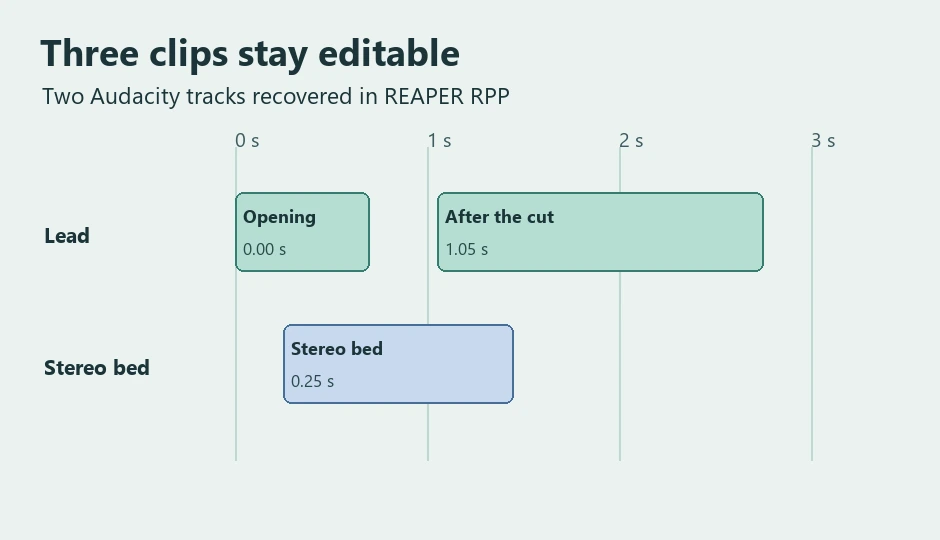
Move the edits with the audio
The export packages an RPP session with WAVs and preserves the recorded clip starts, gaps and available trim media.
Supported files
Supports saved Audacity 3 AUP3 projects up to 96 MiB. Transfers mono and stereo clips and their hidden trim media. Effects, automation and labels are outside the supported scope.